
Orange gradient cursor
2.0kFree
Upgrade your browsing with the Vibrant Orange Gradient Cursor. This custom cursor offers a seamless orange gradient, merging style with functionality
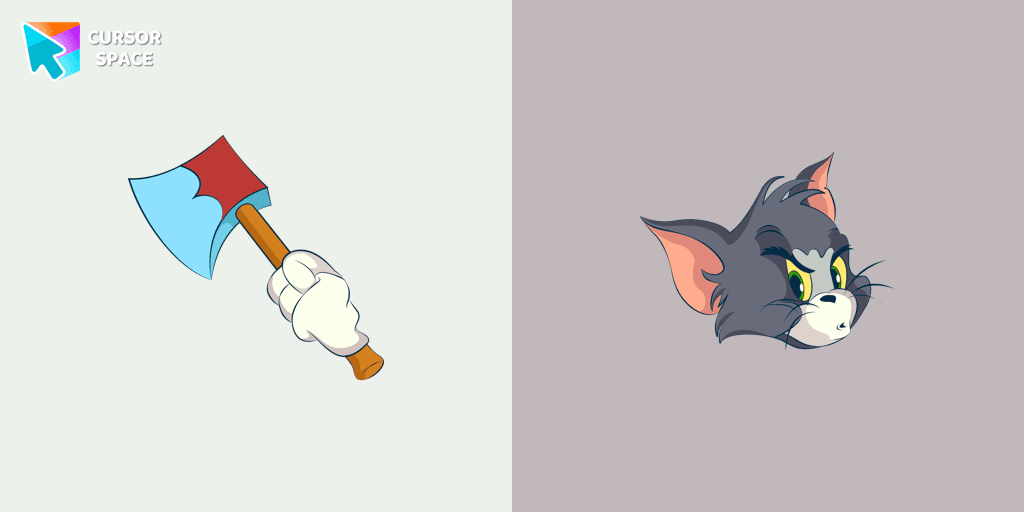
Tom, the famous blue and grey cat from the Tom & Jerry animated cartoon, is known for his intelligence and relentless pursuit of the mischievous mouse, Jerry. This beloved character has become a symbol of cleverness, frustration, and determination. If you’re a fan of this classic duo, then the custom cursor for Google Chrome featuring the angry Tom cat is perfect for you.
This custom cursor brings Tom's fierce personality to life on your screen. His memorable moments from the cartoon, including his frequent chases after Jerry and his love for milk, are captured in this fun and functional design. Whether you're navigating your browser or enjoying your favorite websites, this cursor will add a playful touch and a bit of nostalgia to your digital experience.
Not only does this custom cursor give you a cute reminder of Tom’s comical antics, but it also adds a unique flair to your browsing experience. Don't settle for the default arrow – let Tom’s angry yet lovable expression guide your way on Chrome.
Transform your mouse cursor with this fun and spirited Tom cat design. With its distinctive blue and grey colors and Tom's classic features, this cursor is a must-have for fans of the Tom & Jerry series. Add it to your Chrome today and bring a piece of animated history to your digital world!
Install the Cursor Space extension for Chrome or Cursor Space for Edge in your browser.
On this page, click "Add this cursor pack to the extension".
Open the extension and go to the Packs tab.
Find the custom cursor pack "Angry Tom cursor" and click it.
Enjoy!
Get this cursor pack and thousands of others by installing our extension. It's fast and free!
Angry Tom Cursor is a themed cursor pack you can add to your browser to personalize your pointer across common cursor states (default and pointer). Use it for everyday browsing, streaming, studying, or gaming-anywhere you want your cursor to match your vibe.
See how the cursors look before installing.
Add the pack to the extension in a few clicks.
Designed for Chrome and Edge via the extension.
Quick answers to common questions about cursor packs, collections, and installation.
Yes. To apply cursor packs in Chrome or Edge, install the Cursor Space extension and add this pack to it.
Cursor packs are designed for Chromium browsers like Chrome and Microsoft Edge.
Open the extension, choose another pack or disable the current one to return to your default cursor.
Custom cursor and packs - neon, anime, pixel art. Quickly add to Chrome and Microsoft Edge for free
Upgrade your browsing with the Vibrant Orange Gradient Cursor. This custom cursor offers a seamless orange gradient, merging style with functionality

Enhance your desktop with Bibata Modern Ice Cursor, a stylish and elegant custom cursor inspired by ice, perfect for a memorable user experience.

Introducing the Cute Among Us Kakashi Hatake Character Cursor: A Perfect Blend of Two Favorites!
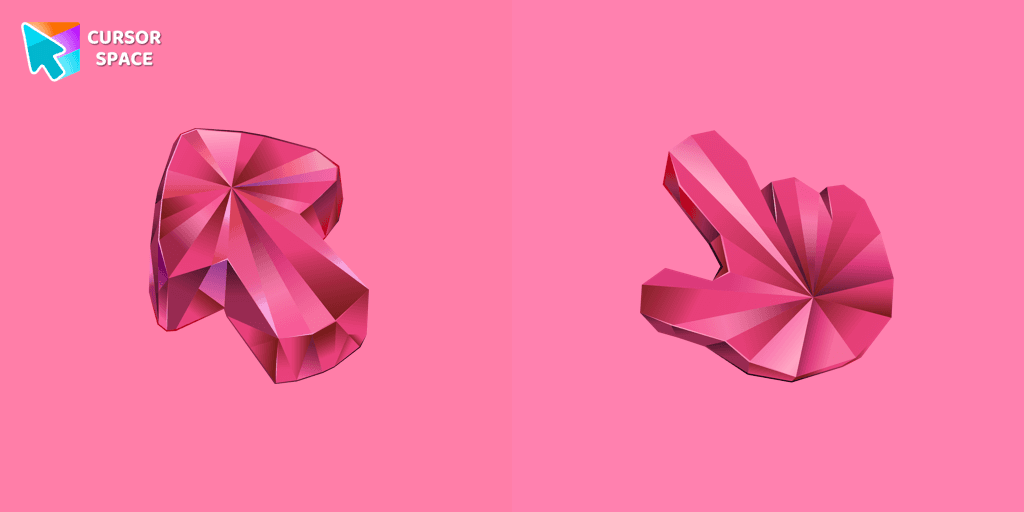
Enhance your browsing with the Tourmaline Texture custom cursor. This custom cursor for Google Chrome brings the vibrant beauty of pink tourmaline to your screen.
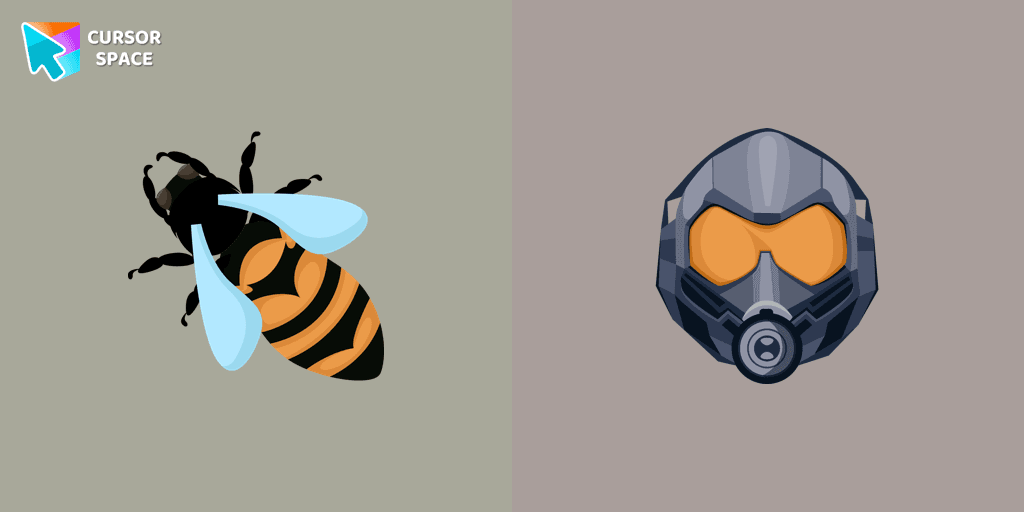
Transform your browsing experience with The Wasp custom cursor for Google Chrome. Navigate with agility like the superhero herself from the Marvel Comics collection.

Improve your online experience with The Robot custom cursor. It's cute, customizable, and full of personality - your ideal internet companion is ready for you!

Upgrade your desktop with the Mechanical custom cursor, a sleek blend of technology and elegance for a futuristic browsing experience.
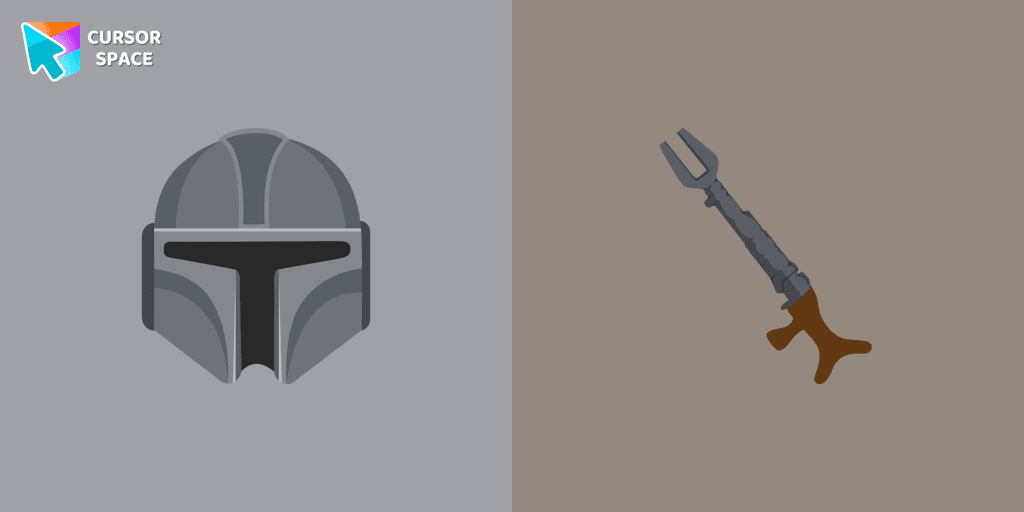
Show your love for The Mandalorian with our custom cursor. Enjoy the iconic bounty hunter in a custom cursor for Google Chrome, adding style to your browsing.
Discover custom cursors for Chrome. From Game to Mechanical, find the perfect design to express your style and elevate your browsing.
We suggest you, too, relax while surfing the web with a custom cursor with Stuart the Minion.
Enhance your Halloween browsing with the Cobweb custom cursor for Google Chrome featuring a Pumpkin Texture. Add festive charm with this unique custom cursor today.
Installation leaders from "Tom & Jerry Custom Cursors": free packs, neon/anime/pixel art, quick add to Chrome and Edge.
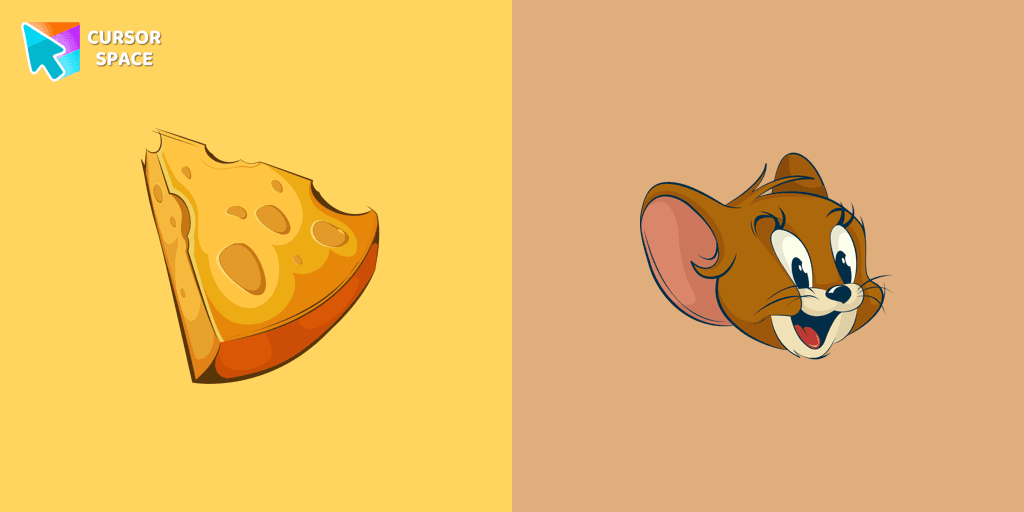
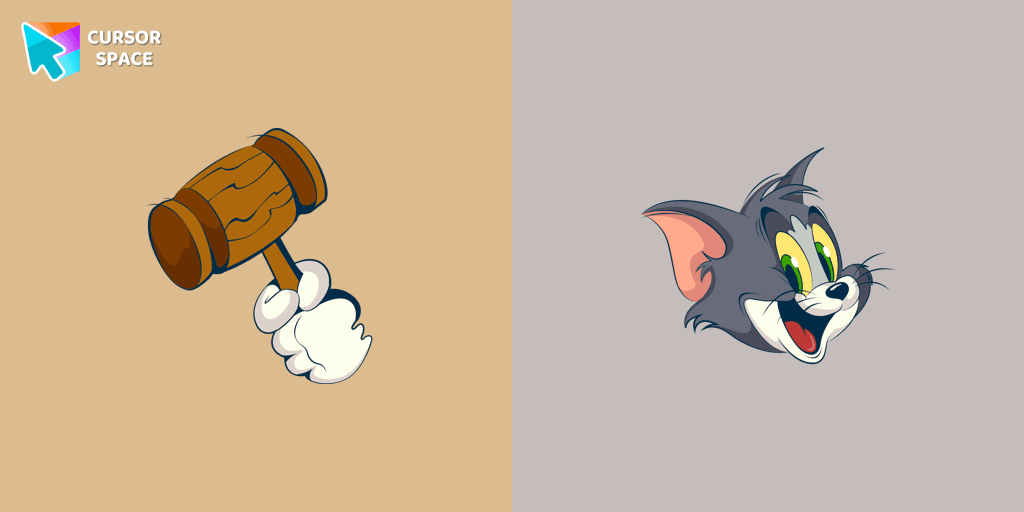
Discover joy with the happy Tom cat cursor for Chrome in our collection inspired by Tom and Jerry custom cursors for your mouse and pointers.
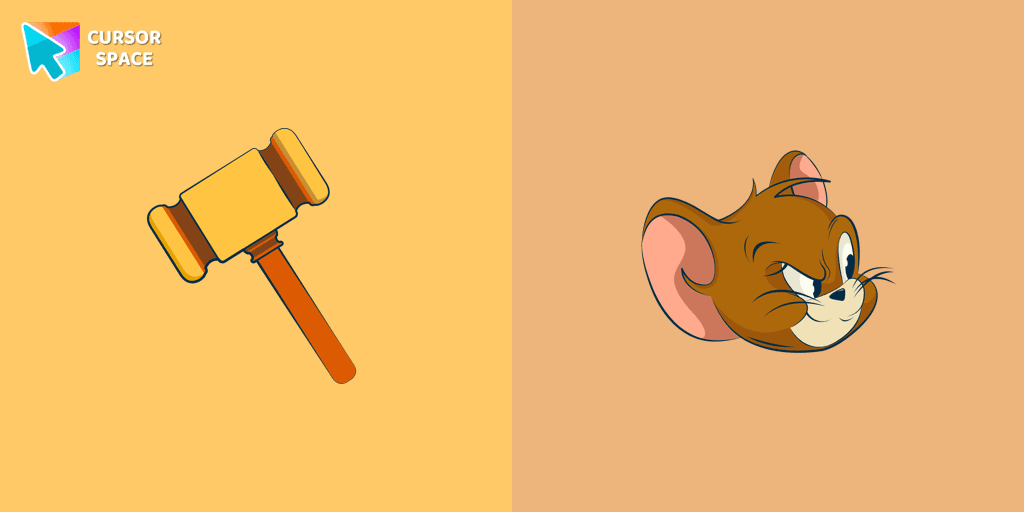
Spice up your cursor collection with the incredible Tom and Jerry custom cursors, and say goodbye to boring cursors forever.
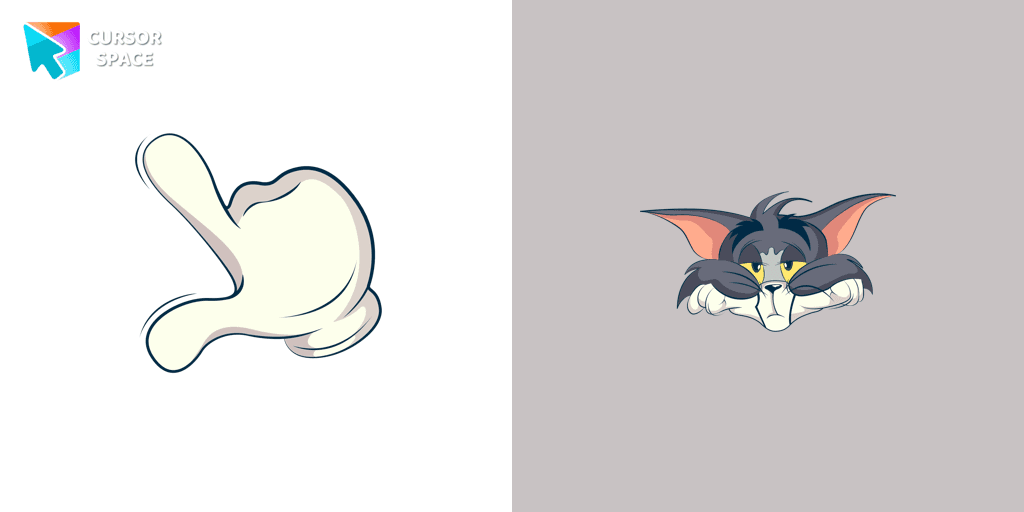
The Tom and Jerry custom cursor collection for Chrome features a fun and animated cursor of Tom, the mischievous cat.
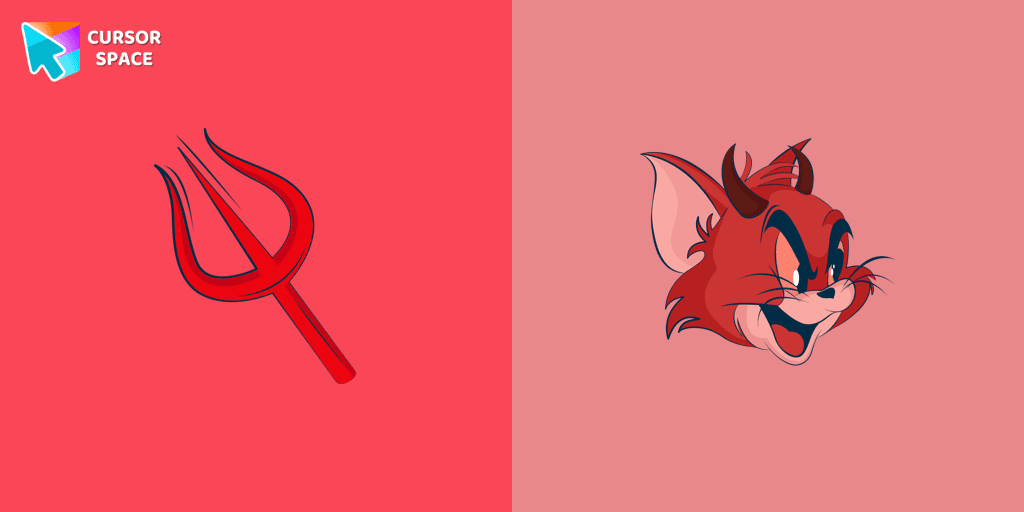
Meet the custom cursor with Tom from Tom & Jerry cartoon in a Tom and Jerry custom cursors collection for mouse and pointers.
Add some humor to your mouse pointer with our funny Butch Cat custom cursor from the Tom & Jerry collection for Chrome.

Tom, the beloved cat from the animated comic cartoon Tom & Jerry, is a well-known character. Recognizable by his blue and grey fur, Tom spends his days chasing the mischievous house mouse, Jerry
Tom and Jerry is a popular American animated cartoon known for its comedic short stories featuring cats and mice.
Add packs instantly and unlock access to thousands of cursors: neon, anime, pixel-art, and more. Fast, safe, and free.
Cursor Space is an extension for changing your mouse cursor in Chrome and Edge browsers: themed collections, HiDPI icons, neon, animated, and pixel cursors, with quick installation.